Player Checklists
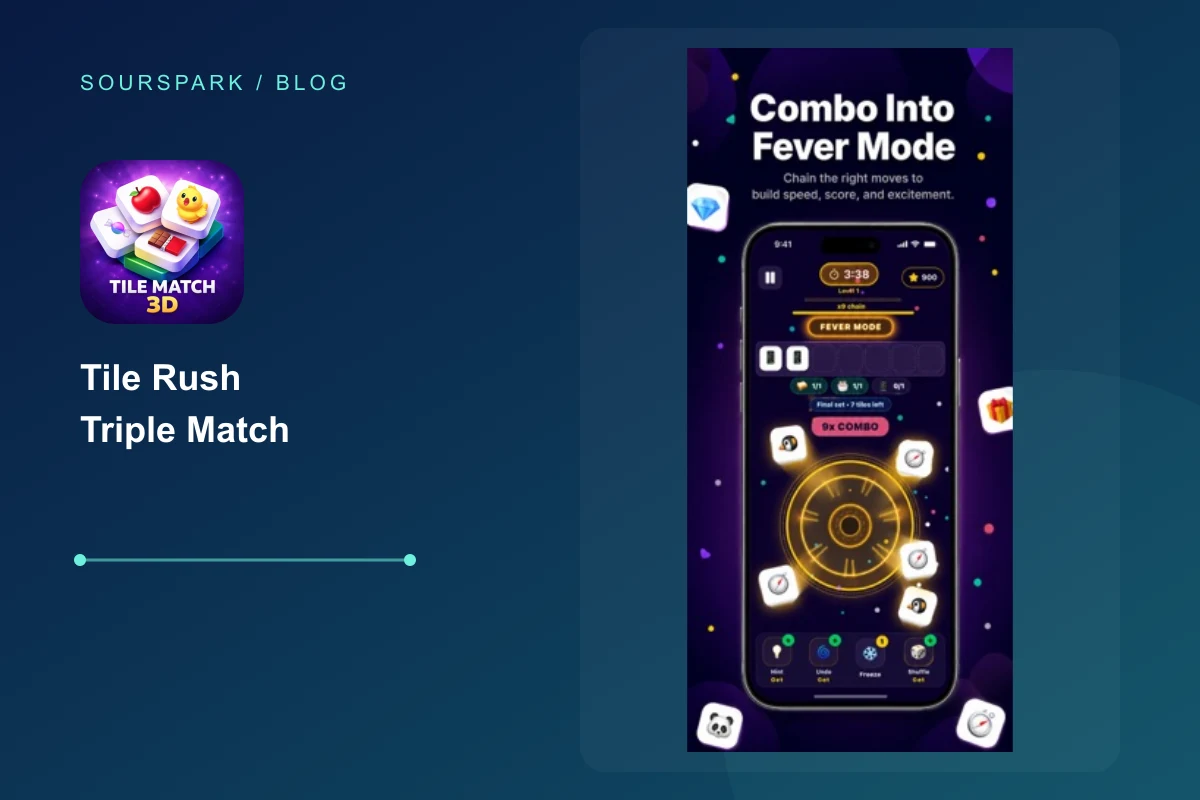
The right approach depends on the mechanics of the game. A selection in Pixel Rush affects capacity; Adds a new type to the waiting area in Tile Rush. In these games, it is important to read the result of the move. Verify the duration or tempo rule on the screen of the mode you are playing.
Read article
Player Checklists
First, examine the game's own sound and music preferences, then the device's audio status. Observe if the visual feedback changes when there is no sound. These checks do not indicate the exact cause of the malfunction; it's a start to separating different sound sources.
Read article
Player Checklists
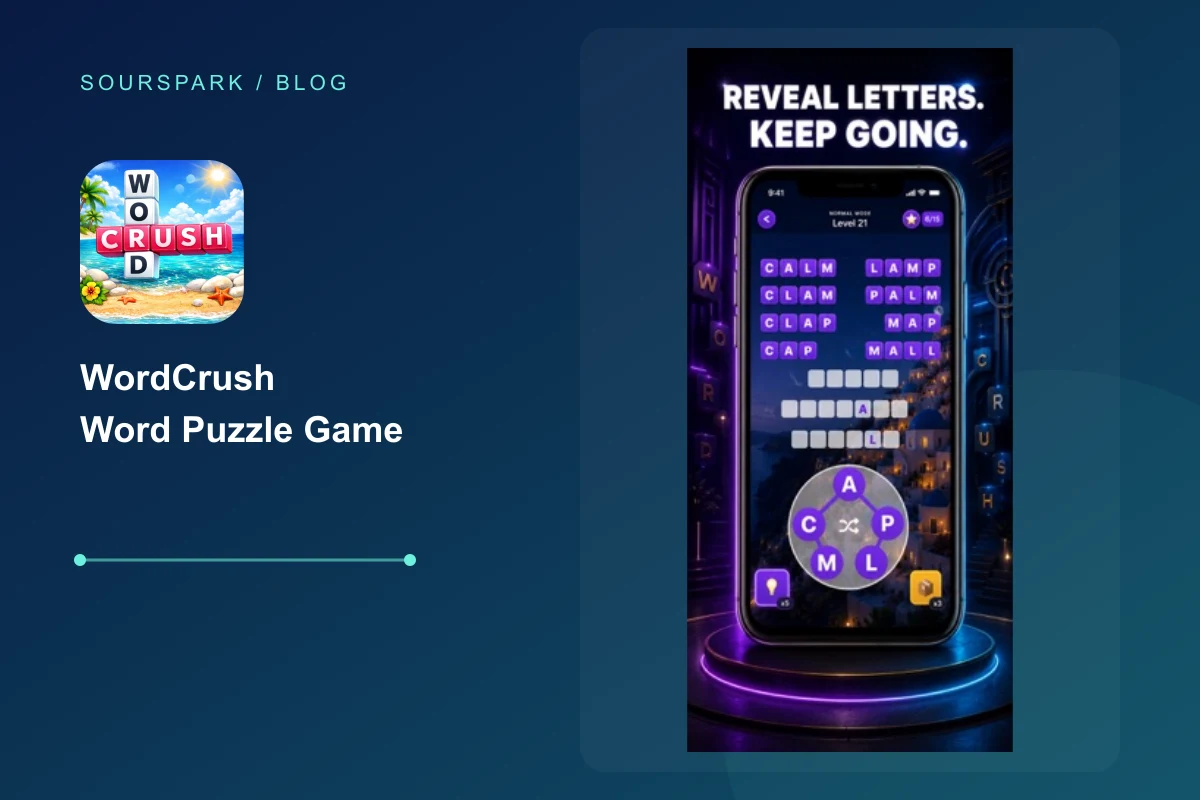
Haptic feedback should not be the sole source of information. On WordCrush, you can examine visual statuses such as word acceptance, target change and section result. Settings or version may affect feedback; Don't judge the right choice based on vibration alone.
Read article
Player Checklists
Check whether you have switched modes. Different modes may save separate progress, as Normal and Puzzle do in the WordCrush project reviewed. Compare the active mode and last completed level. This check can explain a mismatch, but does not guarantee recovery of lost progress.
Read article
Player Checklists
Once you get the hint, examine why it works rather than just doing the suggested move. Which obstacle was removed or which relationship was opened? Trying the same idea independently in the next similar situation allows you to use the clue as a decision pattern.
Read article
Player Checklists
For a new attempt, focus on one problem from the previous attempt instead of changing the whole plan. Was it a vehicle taking up space, a blocked color route or an incomplete trio? Change one decision and compare the result.
Read article
Player Checklists
Compare the actions shown in the ad with the store screenshots and description. Do they show the same vehicles, objects and goals? An ad may not represent every mode. Check the official store listing and the game’s opening experience together.
Read article
Player Checklists
Instead of just saying "it doesn't work", explain what happened in which section and after which move. Separate the result you expect from the result you see. Provide the necessary context in a concise manner, without sharing private account, payment or personal data in a public comment.
Read article
Player Checklists
Assess the main decision, the game’s feedback and how a session ends. Do you understand what to do, see the result of your actions and know when you can take a break? These questions help you judge personal fit, not assign a universal quality score.
Read article
Mobile Game Trends
Short sessions, offline play, AI-assisted production and relaxing puzzle loops are shaping mobile game trends in 2026.
Read article
Offline Games
Read “Best Offline Mobile Game Types” for practical guidance on choosing mobile games that fit your preferences.
Read article
Games for Different Occasions
The best subway games start fast, work offline, and can be played with one hand during short rides.
Read article